
Here is an awkward truth about tuning a computer: almost nobody measures anything. A change is made, the machine is used, and it feels better. That feeling is unreliable, because expecting an improvement is remarkably good at producing the impression of one.
This is not a small point. It is the entire commercial basis of software that promises to optimise a computer, and it is why people repeat fixes that never worked.
Three measurements that need nothing but a phone
Take these before you change anything, and write them down.
- Time to a usable desktop. Start the stopwatch at the power button and stop it when you can open the Start menu and it responds immediately. Not when the desktop appears – when the machine is genuinely ready.
- Time to open your heaviest program. Whatever you actually wait for: the browser with your usual tabs, a spreadsheet, a photo editor. Restart first so it is a cold start each time.
- Time to open a large folder. Pick a folder with several hundred photos and time how long until every thumbnail has drawn.
Do each three times and take the middle figure rather than the best or the average. Computers vary from run to run for reasons that have nothing to do with what you changed, and a single measurement can easily mislead you by several seconds in either direction.
Two numbers worth noting from Task Manager
Press Ctrl, Shift and Escape, click Performance, and record two things with the machine idle but a few minutes after startup: memory in use, and disk average response time.
Memory tells you whether a change actually reduced what is loaded. Response time tells you whether storage is the constraint, and it is far more informative than the disk percentage.
Change one thing at a time
This is the part everyone skips. Disable eight startup programs, remove four applications, clear the browser cache and free thirty gigabytes in a single evening, and the machine may well be quicker – but you have learned nothing about which of those mattered, and you have no idea what to do when it slows down again next year.
Change one thing. Restart. Re-measure. Note the result. It is slower going and it is the only approach that leaves you knowing anything.
What a real improvement looks like
Rough expectations, so you know whether to be pleased:
- Trimming startup programs – often a large cut in time to a usable desktop, sometimes half or better on a cluttered machine.
- Freeing space on a nearly full drive – can be dramatic if it was below ten per cent free, and almost nothing if it was not.
- Clearing the vents on a hot machine – no change from cold, a large change after twenty minutes of work.
- Fitting an SSD in place of a mechanical drive – startup times cut by three quarters or more, and every timing improved.
- Registry cleaning – nothing measurable, which is precisely the point.
An improvement of one or two seconds on a thirty-second measurement is within normal variation. If you cannot see the difference in the numbers, be suspicious of seeing it in the feeling.
Measure the right thing
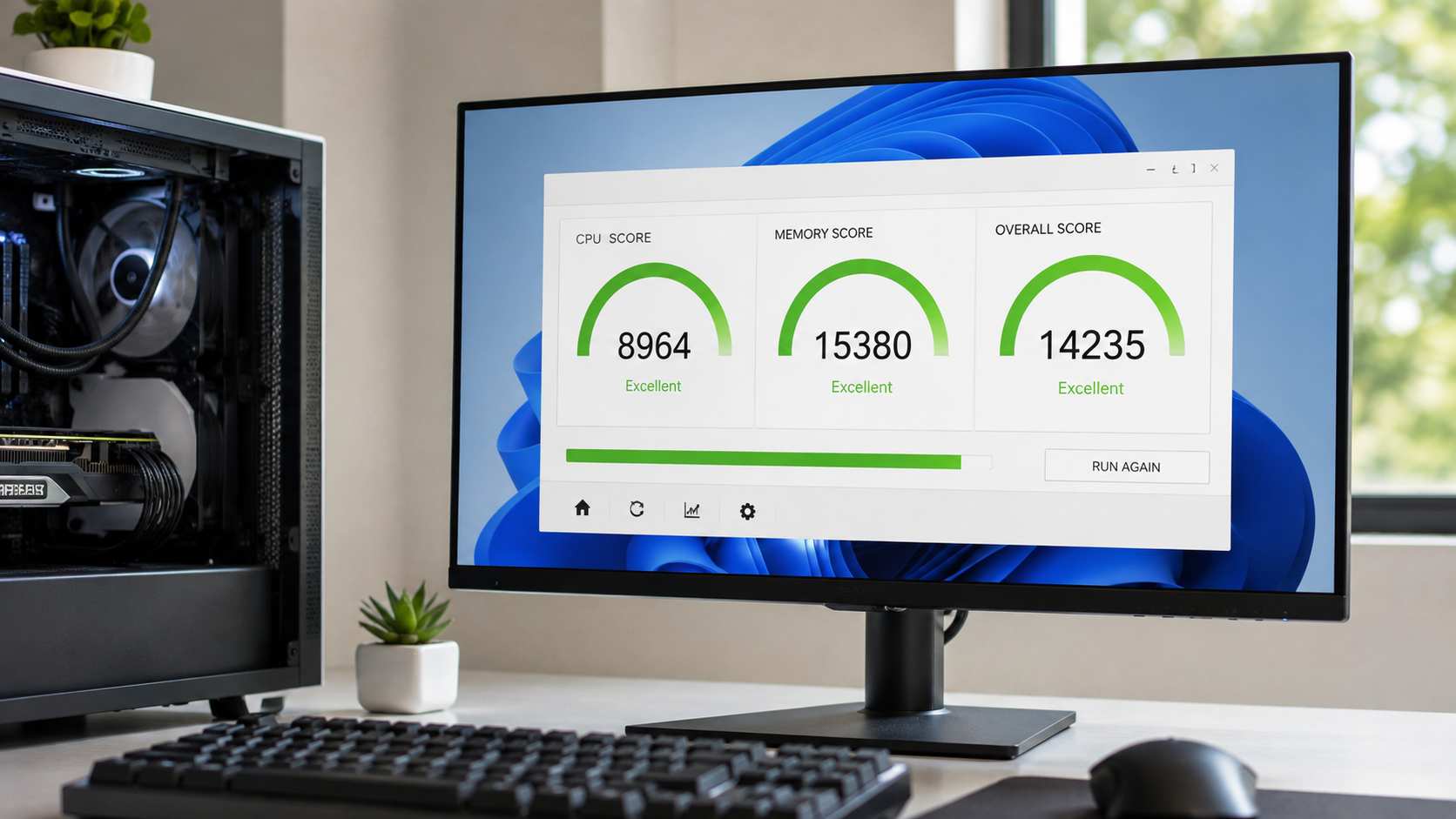
Time what irritates you. If the daily frustration is waiting for the browser after logging in, then measuring how quickly a small text file opens proves nothing useful, however encouraging the number. The same applies to the scores produced by benchmarking software: they are excellent for comparing hardware and close to useless for telling you whether your own morning has got any less annoying.
Keep the notes
A few lines in a notebook – date, what changed, the three timings – turns into something genuinely valuable over a couple of years. It shows you whether the machine is drifting slowly slower, which fixes worked last time, and at what point tuning stopped buying you anything.
That last judgement is the hardest one to make by feel, and the easiest to make from a page of numbers.